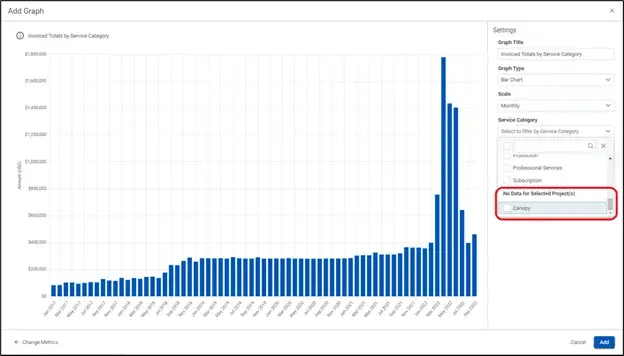
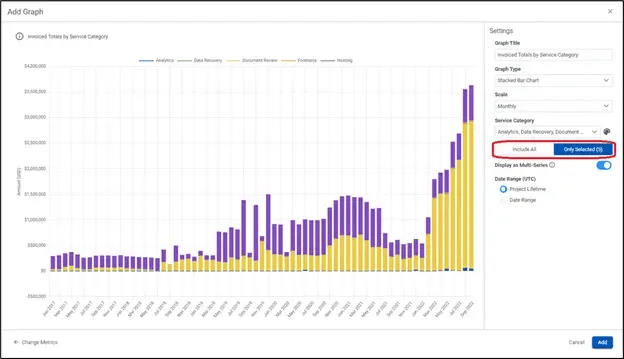
Improved UI for managing multi-series charts. The category selection drop-down will not only allow users to easily toggle between “selected items” and “all items”, but it will also display any items that could be available, but are not available for the specific matters selected. This will help improve transparency around what data points are being displayed on any given chart.
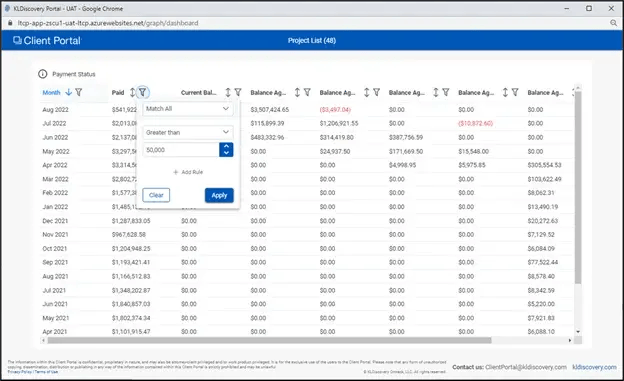
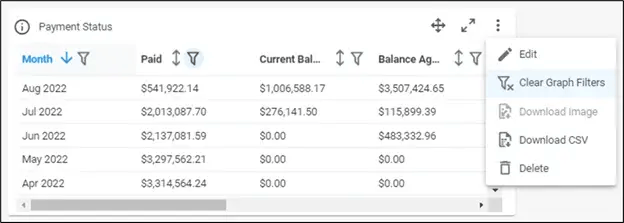
Tables within metric tiles can now be filtered and sorted. When a metric tile is configured to display as a table, columns and rows can now be filtered and sorted. Filter/sort selections can be disabled column-by-column or by selecting “Clear Graph Filters” from the action menu on the metric tile.
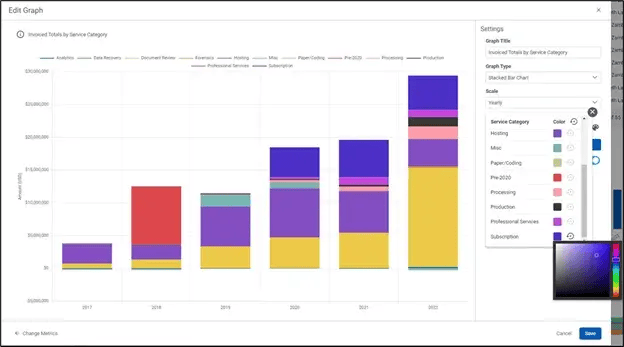
Formatting improvements for multi-series charts. We made several formatting/aesthetic improvements to chart tiles, including forcing consistent color selection amongst tiles and giving users the ability to set their own color choices.